 |
| 

| | | |
|
To zoom in on the Port Errors graph, drag and select a time period.
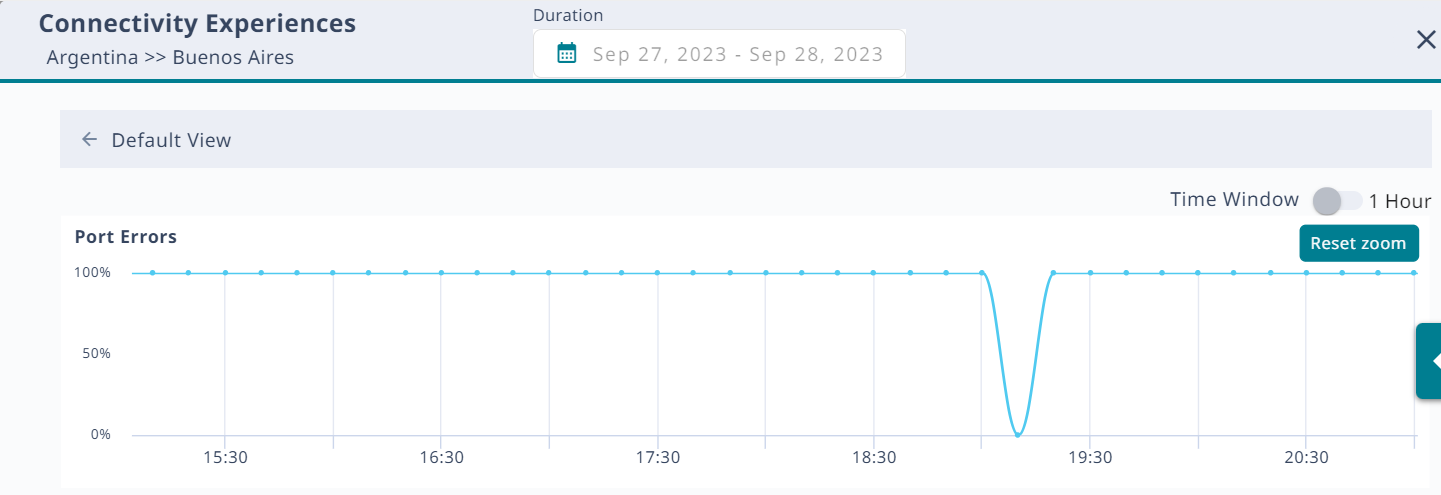
To zoom back out again, select Reset zoom. To return to the Default View, select the back arrow.
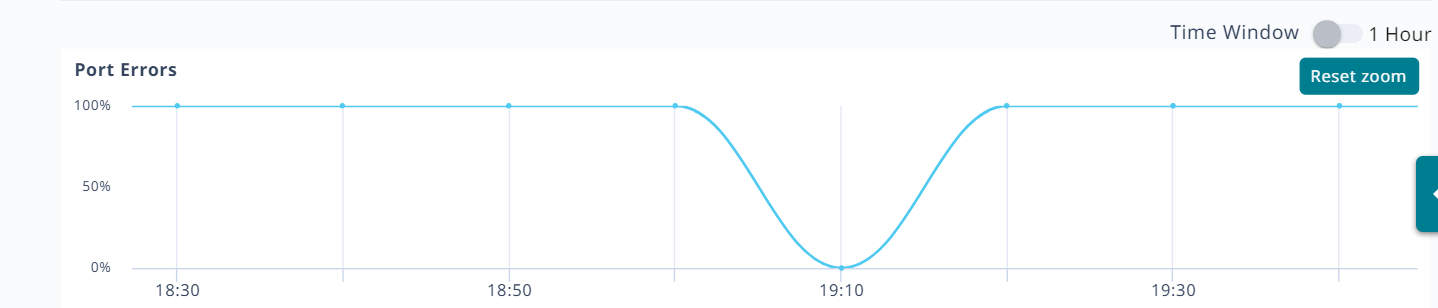
Select a point on the Port Errors graph to update the table with relevant information.
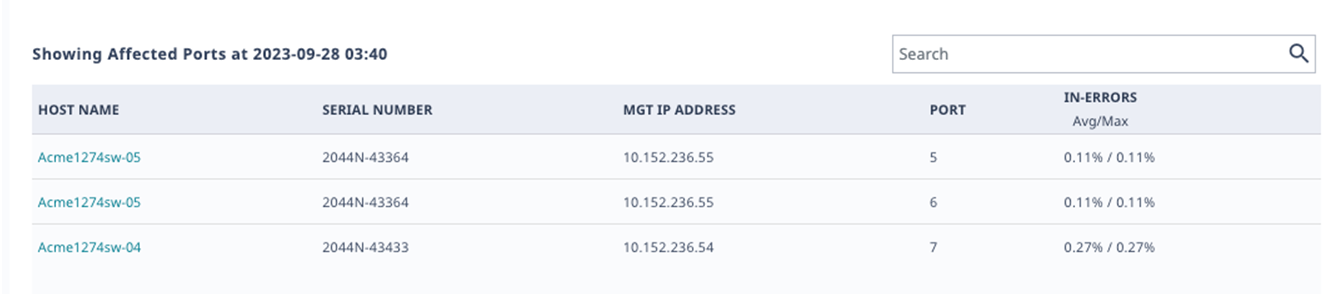
The system calculates the metrics that appear in the graph and in the table over a 10-minute period. To change the period to one hour, select the Time Window toggle.
Search the table by host name, MAC address, SSID, or operating system (OS).
Copyright © 2026 Extreme Networks. All rights reserved. Published February 17, 2026.