 |
| 
Home > Configuration—Common Objects > Policy Configuration > Configure Switch Templates > Universal Port Stacking Support Mode

| | | |
|

Note
Changing the stacking support mode will require a reboot to be performed during configuration update.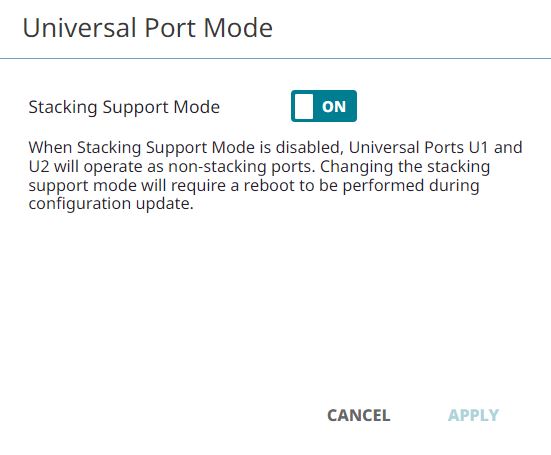
To enable or disable Universal Port Stacking Support Mode:
 beside the Universal Ports.
Note
The default value selected for the 4120 SKUs is 1x100G.Note
Universal Port Stacking Support Mode can also be configured at the device-level, within the Port / VLAN Configuration page. Device level configuration overrides the template configuration.Copyright © 2026 Extreme Networks. All rights reserved. Published February 17, 2026.