 |
| 

| | | |
|
Go to , and select one of the tools:
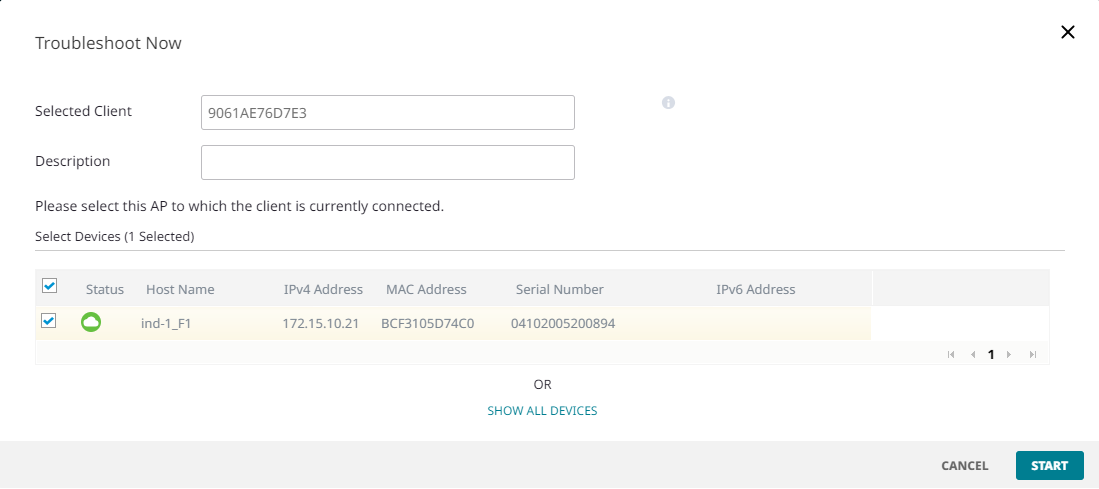
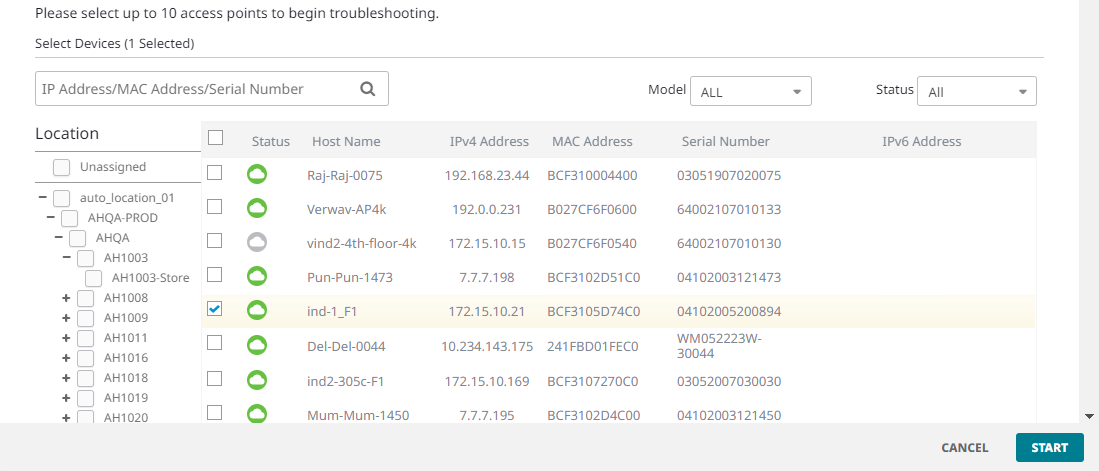
Select the connected AP, or SHOW ALL DEVICES and select up to 10 APs, and then select START. The session appears in the TROUBLESHOOT SESSIONS table. See Connection Details Panel (Wireless).
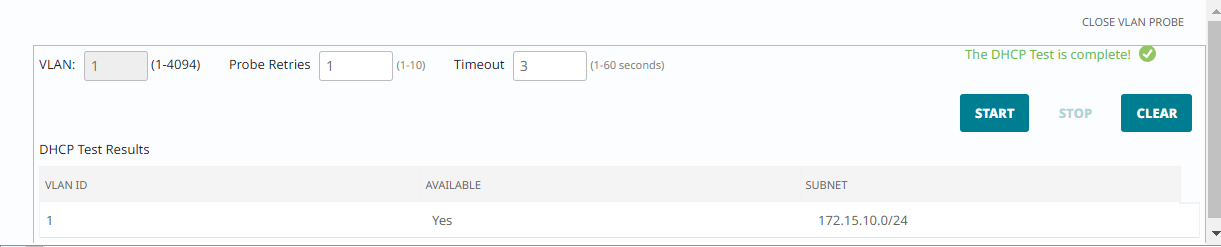
The VLAN Probe tool determines whether VLANs are operational on the wired network and reports the status, including the subnet of each VLAN.
Specify the VLAN or range, the number of Probe Retries, and the Timeout, and then select Start.
Copyright © 2026 Extreme Networks. All rights reserved. Published February 17, 2026.