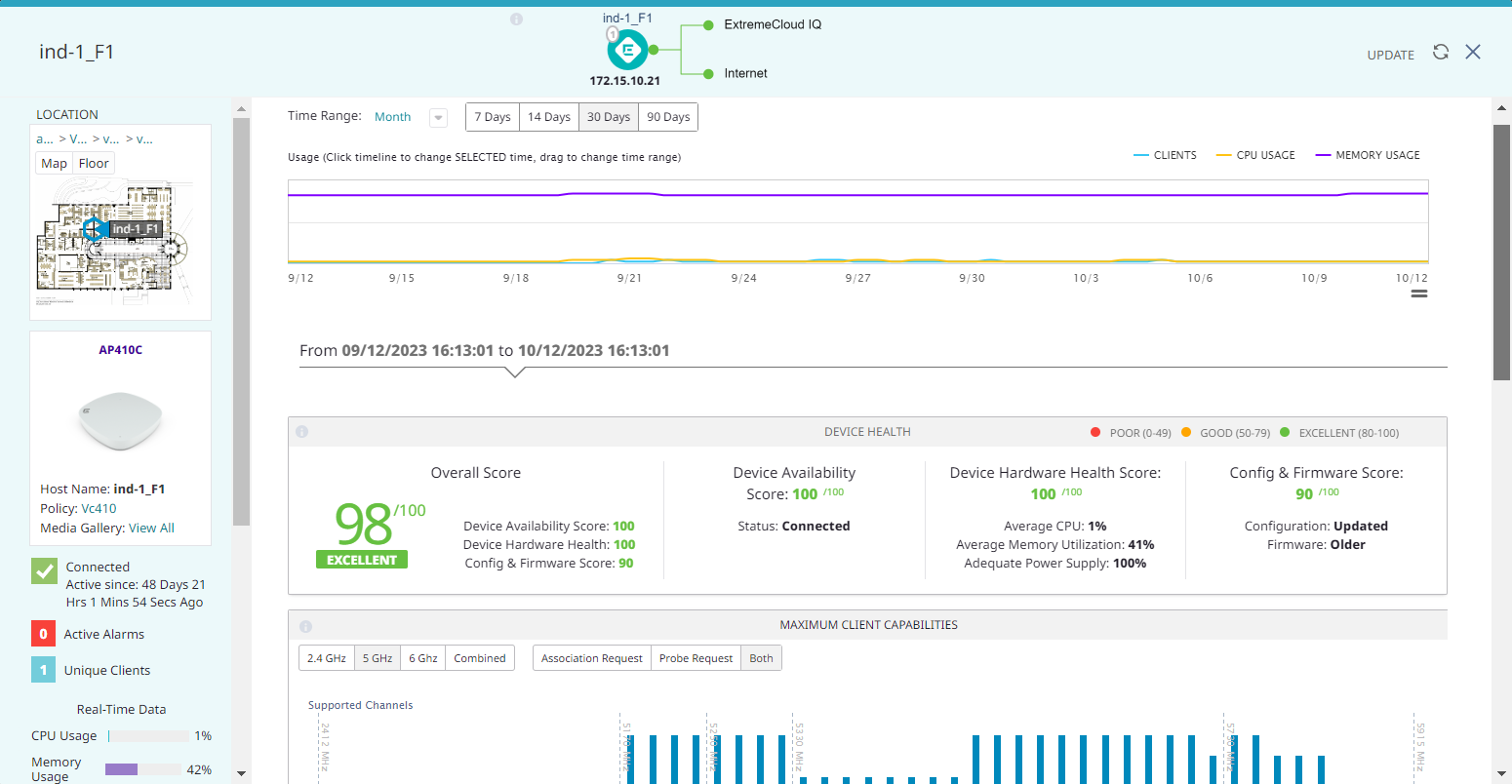
To open the details panel for a device, select the device link in the Device Name column of the CLIENT TRAIL table. Alternately, go to Manage > Devices and select a device.
Copyright © 2026 Extreme Networks. All rights reserved. Published February 17, 2026.
 |
|