 |
| 

| | | |
|
To expand the SELECTED TIME VIEW section, select Session Details.
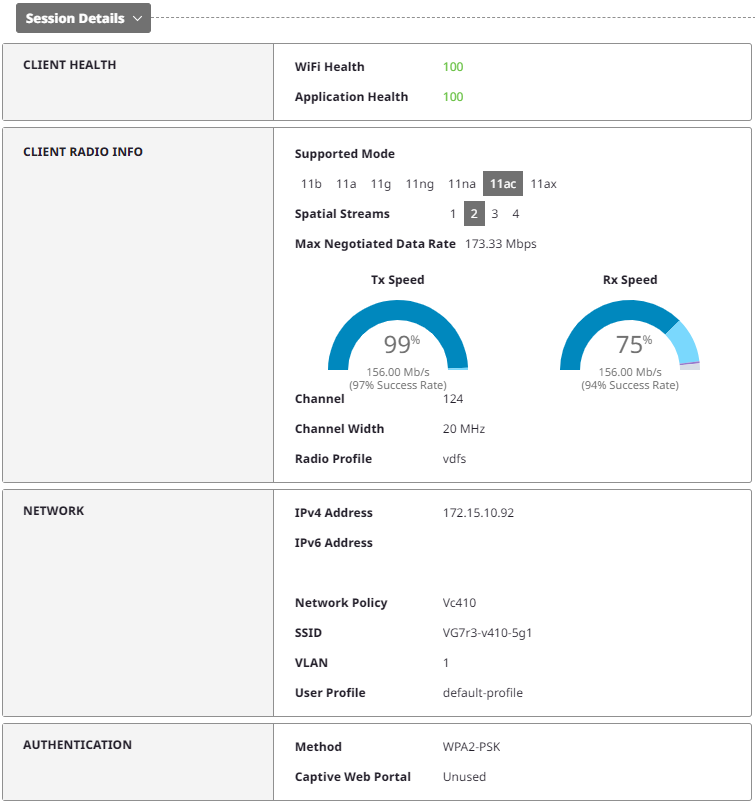
Mouse over the Tx Speed and Rx Speed graphs to see the percent for each category.
Interactive widgets appear to the left of the display. You can edit the thresholds and customize the view for the following widgets:
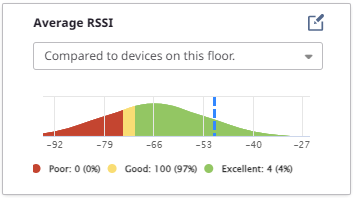
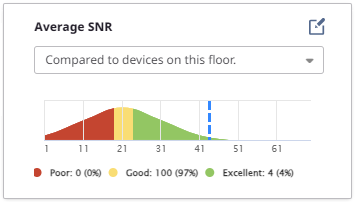
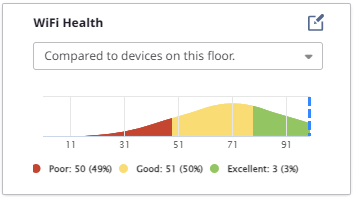
Use the drop-down menu to choose one of the following display options:
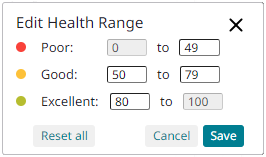
To edit the thresholds, select  .
.
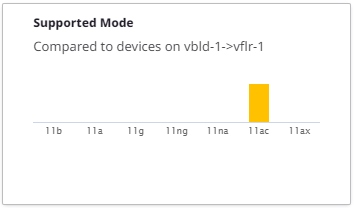
Mouse over a column in the Supported Mode widget to see the number of supported devices for that mode.
Copyright © 2026 Extreme Networks. All rights reserved. Published February 17, 2026.